
Know the shop behind the order
Customer record management for shops and distribution teams
Keep the customer name, contact details, area and shop location alongside the records your team uses for booking and delivery. DistributorFlow connects that customer context with permitted products, agreed prices, orders, visits and remaining amounts.
See the current packages and allowances before you choose.
Inside the application
See the product screens
Real application views rendered with sample records. Select a screenshot to see it at full size.
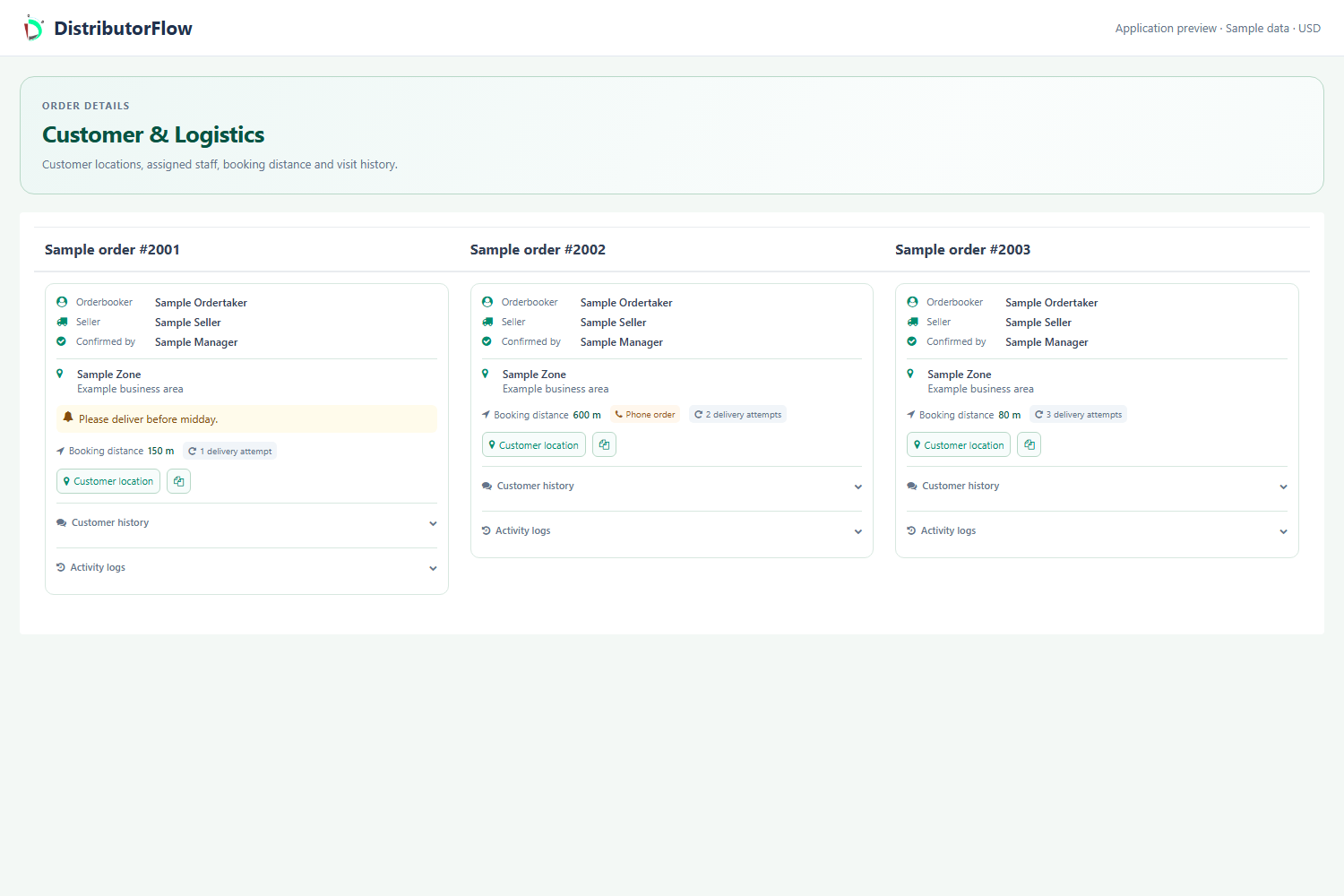
What should you record before the first order?
Create the customer area, check for an existing shop record, then enter the name, contact details, address and intended area. Review the shop's location before relying on a delivery map. Use an optional photo only when appropriate and within the account's applicable image allowance.
- Distinguish shops with similar names.
- Check the phone country code and working contact information.
- Review the actual shop point rather than leaving an unrecognised location.
- Keep the account and staff permissions appropriate to the person doing the work.
How does the customer record affect order booking?
The selected customer determines the applicable product access and customer-specific pricing context. Check the assigned products, short list and any agreed special rate before assuming that a missing item or unexpected price is an error in the general catalogue.
For example, two shops can use the same catalogue item while having different agreed prices. Confirm the intended shop before editing a rate; changing a general product setting can have a different scope from changing one customer's arrangement.
Can the office review previous orders and visits?
Use the customer's permitted order, invoice and visit views to understand what happened. Review the selected period and saved outcome. A booked order, an unsuccessful visit, a successful delivery and a payment are separate facts that belong in the customer's history.
What can a customer do through their own account?
Where the customer account has been provided, the shop can use its permitted screens, send an order to the distribution and follow the relevant account workflow. Its own shop POS is separate from a distribution order. Customer-created distribution orders still require review under the documented approval rules.
Product answers
Is a customer record the same as a customer ledger?
The customer record identifies the shop and its business context. The ledger explains invoices, receiving, discounts and remaining amounts. Keeping them connected helps another team member understand both the customer and the money owed.
Should an employee share the administrator login?
Use the appropriate employee or customer account and review its permitted areas and actions. Sharing the distribution administrator login is unnecessary for the documented role-based workflow.
Your next step
Try the workflow with your own business
Start with a small product list and a trial customer. Check stock, delivery, receiving and any local requirements before a wider rollout.